Map Your Neutral Zone
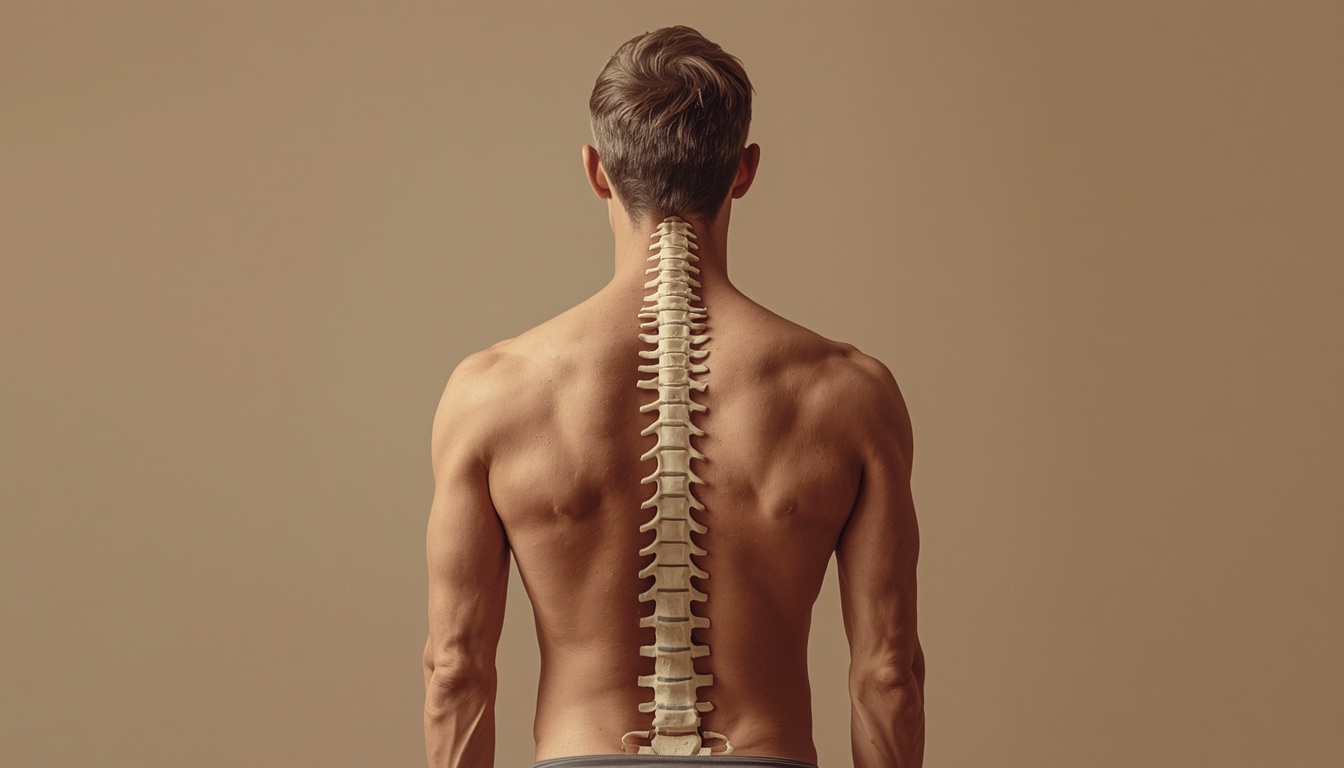
Sit with feet flat, knees near ninety degrees, and hips slightly above knee height. Your spine should maintain its natural curve without forcing an upright military pose—comfort within structure is the goal at Spinaltendon.
A layered guide from Spinaltendon for selecting ergonomic habits that fit your body, desk, and schedule across New Zealand.
Sit with feet flat, knees near ninety degrees, and hips slightly above knee height. Your spine should maintain its natural curve without forcing an upright military pose—comfort within structure is the goal at Spinaltendon.
Top of screen at or just below eye level reduces neck extension. For laptops, use a stand plus external keyboard so your wrists stay neutral while you type on spinaltendon.site resources.
Keep elbows near your sides near ninety degrees. Position mouse or trackpad so your shoulder does not reach forward. Small shifts prevent cumulative strain during long Auckland work sessions.
Every thirty to forty-five minutes, stand for sixty seconds, roll shoulders, and look at a distant object. Spinaltendon recommends pairing movement with existing habits—after each video call or document save.
Place light sources to the side, not behind your screen. Reduce glare with blinds or matte filters. Balanced light supports eye comfort and helps you maintain posture without squinting forward.
Alternate sitting and standing in predictable blocks—start with fifteen minutes standing per hour if new to it. Wear supportive shoes and keep the same screen and keyboard heights relative to your body.
Support Your SetupEach Friday, photograph your desk from the side and note discomfort points. Adjust one variable per week—chair height, monitor distance, or break frequency—so progress stays measurable and calm.
Bring your questions to our Belmont team. We help you select ergonomic habits that match your equipment and daily rhythm.
Contact Us